


Memory Stick Pro Duo Adapter for iPhone/USB C/PC - Aluminum 5 in 1 SD/TF/CF/MS/XD Picture Card Reader, Multi Memory Card Reader USB C Lightning OTG Adapter Memory Stick Pro Duo Mark 2 Adapter
14 500 ֏
Mar. 6 - 13 In Armenia
Delivery & taxes included
Condition: new
Specifications
- 【𝐇𝐨𝐰 𝐭𝐨 𝐬𝐚𝐯𝐞 𝐝𝐚𝐭𝐚 𝐟𝐫𝐨𝐦 𝐦𝐞𝐦𝐨𝐫𝐲 𝐜𝐚𝐫𝐝 𝐭𝐨 𝐢𝐏𝐡𝐨𝐧𝐞?】1. Insert the memory card into the card reader. 2. Then insert tthe card reader into the iPhone. 3. Find the "Files" APP, Click"Untitled". 4. Selsct the photo or video you want to import into your iPhhone. 5. Select "Save Items" to complete the ooperation
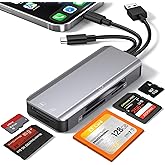
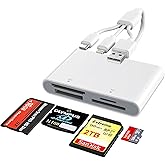
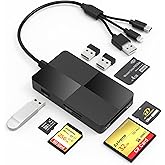
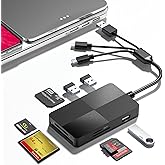
- 【𝟑 𝐢𝐧 𝟏 𝐃𝐞𝐬𝐢𝐠𝐧 𝐋𝐢𝐠𝐡𝐭𝐧𝐢𝐧𝐠+𝐔𝐒𝐁 𝐂+𝐔𝐒𝐁𝟑.𝟎】Lightning + USB C + USB A card reader 3 in 1 plug was designed with the idea of simplifying your life. sd card reader for iphone 15, sd card reader for iphone 14 13 12 11, sd card reader for android phone, sd card reader for mac/ pc/ iPad. Provides a more efficient access to laptops, tablets and phones by USB3.0, USB-C or lightning port. No need to carry multiple card reader for different devices. Plug to play.
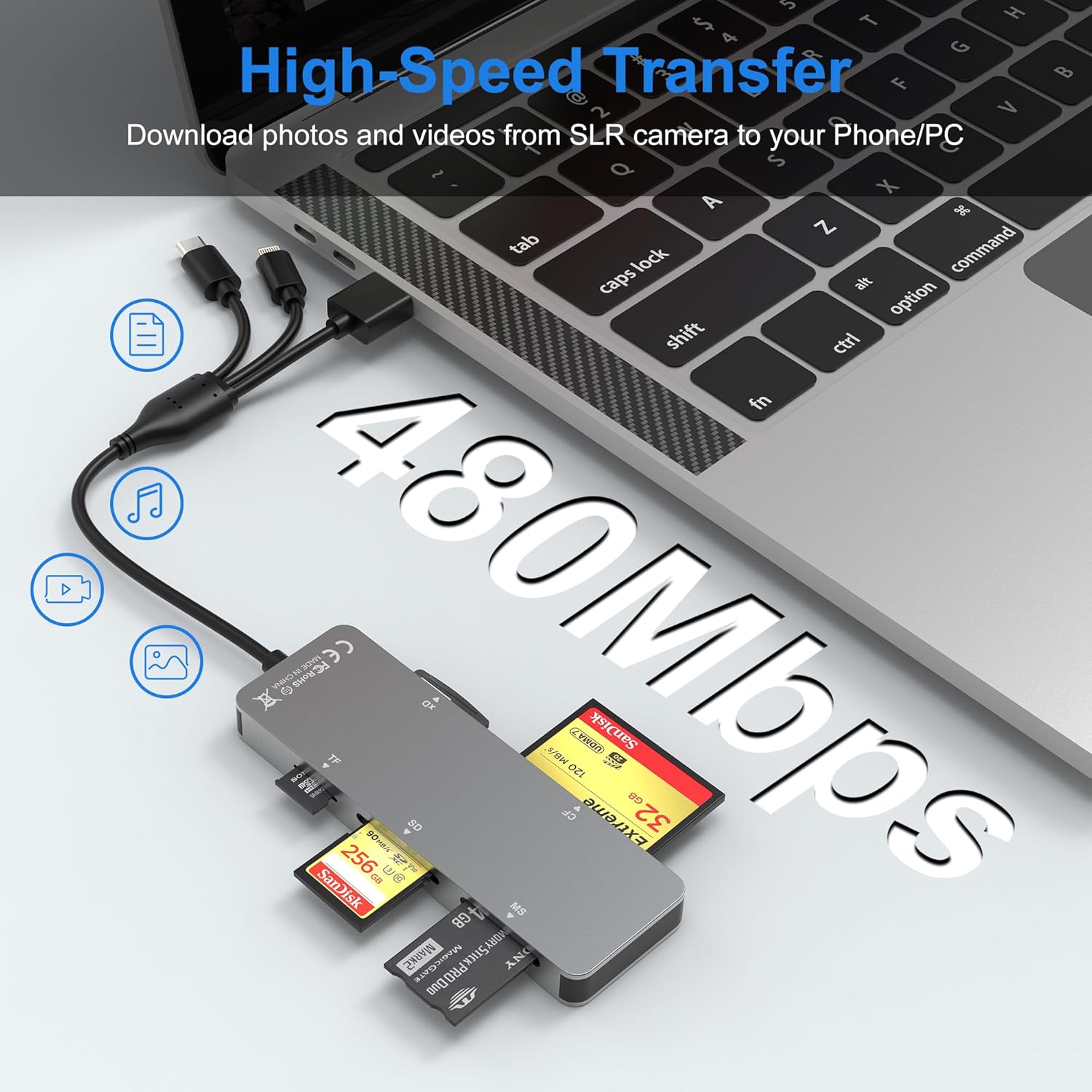
- 【𝟓 𝐢𝐧 𝟏 𝐂𝐚𝐫𝐝 𝐑𝐞𝐚𝐝𝐞𝐫】This compact flash card reader is equipped with SD/ TF/ MS/ CF/ XD card slots. Supports XD, SDXC, SDHC, SD, CF, MS, Micro SDXC, Micro SDHC, Micro SD cards etc. The 5 in 1 design is more efficient and convenient, eliminating the need to carry multiple card readers for multiple memory cards
- 【𝐂𝐨𝐦𝐩𝐚𝐭𝐢𝐛𝐥𝐞 𝐰𝐢𝐭𝐡 𝐌𝐮𝐥𝐭𝐢𝐩𝐥𝐞 𝐃𝐞𝐯𝐢𝐜𝐞𝐬】This Universal sd card reader usb c for iPhone 15/ 14/ 13/ 12/ 11/ X / XS/ XR/ 8/ 7, iPad. Type-C for Samsung Galaxy, Google Pixel, Google Nexus 5X 6P, MacBook, Surface, Huawei ect OTG Android phone (When using, it is necessary to ensure that the storage card format is FAT32). Computer and other devices with USB A /USB C/ Lightning port
- 【𝟒𝟖𝟎𝐌𝐛𝐩𝐬 𝐒𝐮𝐩𝐞𝐫 𝐒𝐩𝐞𝐞𝐝 𝐓𝐫𝐚𝐧𝐬𝐟𝐞𝐫】480Mbps data transfer, you can transfer your images and videos from your card to the iPhone/ iPad/ Android/ computer more quickly, save a lot of time and improve your work efficiency. Suitable for photographers, studios, and those who need to transfer large files.
- 【𝐏𝐥𝐮𝐠 𝐚𝐧𝐝 𝐏𝐥𝐚𝐲】The sd card reader for iphone offers multiple interfaces and no extra driver needed, supporting OTG function, directly plugging the card reader into your Type C / USB A / Lightning device and it is immediately ready for use, easily transfer photo video and file information. Compatible with most systems--Mac OS, iOS, Android, Linux, Chrome OS, Windows XP/Vista/7/8/8.1/10,11,etc.
- 𝐍𝐨𝐭𝐞: When connecting the USB-C port to an Android phone, first insert the camera's memory card into the card reader, then connect the Android phone. If you change memory cards, you'll need to reconnect the Android phone. 𝐀𝐩𝐩𝐥𝐞 𝐩𝐡𝐨𝐧𝐞𝐬 𝐚𝐫𝐞 𝐧𝐨𝐭 𝐚𝐟𝐟𝐞𝐜𝐭𝐞𝐝.
14 500 ֏
Mar. 6 - 13 In Armenia
Delivery & taxes included
Condition: new
Specifications
Color
Aluminum Alloy